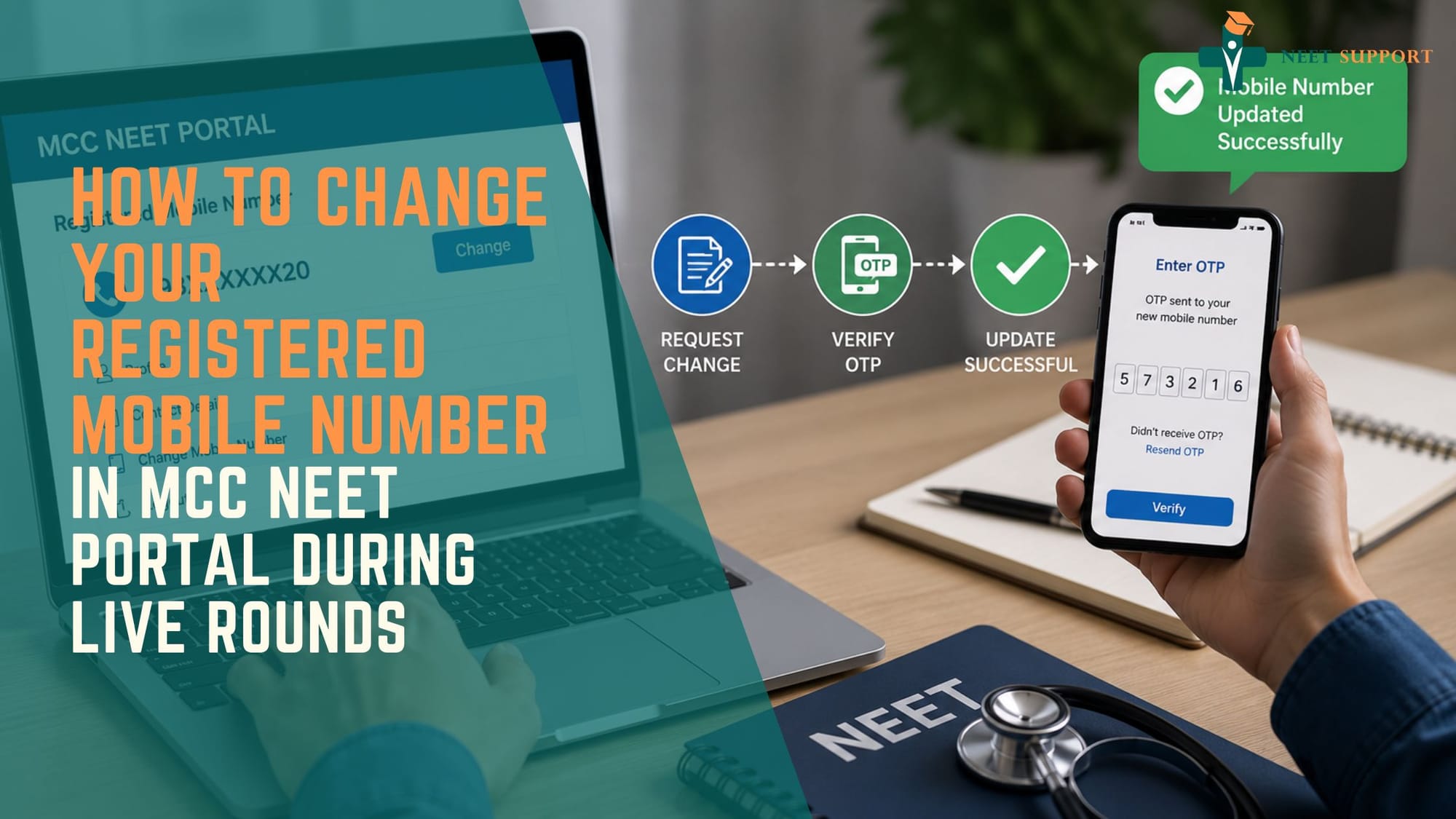
How to Change Your Registered Mobile Number in the MCC NEET Portal During Live Rounds
RISHIKESH KUMAR
 WhatsApp
 Email
Email Facebook
 Twitter/X
 LinkedIn
Table of Contents
Predict Your Rank Now
Enter your NEET score to get an estimated rank
Find the Best Colleges For You
Based on your NEET rank, Category & more

Get Your Dream Medical College
Secure your seat with expert counselling
Handling the NEET UG or PG counselling process can feel stressful. You have to keep track of important dates, check cut-offs, and carefully choose colleges. In all this, facing a technical issue—especially with your registered mobile number—can make things even more difficult.
Your mobile number is very important for the Medical Counselling Committee (MCC) portal. It is used to receive OTPs for locking choices, updating security details, checking seat allotment results, and logging into your account. If you lose access to this number during active counselling rounds, it can create confusion and anxiety.
Situations like a lost phone, inactive SIM card, or entering the wrong number can happen. But there is no need to panic. Although the MCC portal follows strict security rules, it also provides proper and clear steps to help you fix such issues smoothly.
Overview: Why the Registered Mobile Number Matters So Much
When you register for NEET counselling on the official portal (mcc.nic.in), your profile is linked directly to the contact details provided to the National Testing Agency (NTA) during initial application submission.
During live counselling rounds (Round 1, Round 2, Round 3/Mop-Up, and Stray Vacancy), the MCC portal relies heavily on two-factor authentication (2FA).
| S. No. | Critical MCC Portal Triggers |
|---|---|
| 1 | Profile Login & Password Resets |
| 2 | OTP Verification for Choice Locking |
| 3 | Seat Allotment Status & Security Receipts |
| 4 | Resignation or Upgradation Confirmation Tokens |
If your mobile number is inactive, you risk missing strict choice-locking deadlines or failing to confirm an allotted seat. Knowing how to navigate phone updates quickly is essential to keeping your admission journey on track.
Key Highlights of the MCC Mobile Number Change Process
Before diving into the exact steps, keep these key technical and administrative highlights in mind:
Strict Non-Editing Policy
The MCC follows strict rules for editing personal details. Once you submit your application, you cannot directly change key information like your name, date of birth, email ID, or mobile number from your dashboard. This is done to protect your data and prevent misuse.
Alternative Verification Options
To make things easier, the MCC portal usually sends OTPs to both your registered mobile number and email ID. This allows you to complete important actions like password recovery and choice locking even if one option is not available.
Official Process for Changes
If you need to update your mobile number during active counselling rounds, you cannot do it yourself. You must go through official channels like the MCC Helpdesk, DGHS, or wait for a correction window if it is provided.
Avoid Unauthorized Sources
Be careful of agents or websites that claim they can update your number by bypassing the system for a fee. These are unsafe and not authorized.
Why Do You Need to Change Your Mobile Number?
Understanding the root cause of your phone number issue can help determine which solution to apply:
Lost or Damaged Phone
Your phone may have been lost, stolen, or damaged just before important steps like choice locking, making it difficult to receive OTPs or access your account.
Deactivated SIM Card
Sometimes, your SIM card may stop working due to no recharge or incomplete KYC verification, which blocks all incoming messages and calls.
Wrong Number During Registration
A small typing mistake while filling the NTA or MCC form—like entering one wrong digit—can lead to problems later when OTPs are sent to the wrong number.
Using Someone Else’s Number
In some cases, candidates use a cyber café owner’s or agent’s phone number during registration. If you no longer have contact with them, accessing your account becomes difficult.
Important Warning
Never use someone else’s phone number for your MCC profile. If you lose contact with that person, managing your counselling process can become very challenging.
Direct Step-by-Step Guide to Updating Your Number During Live Rounds
Because direct dashboard editing is restricted by default, updating your phone number during live counselling rounds involves specific official protocols.
1. Bypass Immediate Blockers Using Email OTP
Immediate workaround
If you need to perform time-sensitive actions like choice locking or logging in immediately, check if the portal offers the "Send OTP to Registered Email" option. In most portal updates, the system sends matching OTPs to both phone and email. Accessing your email gives you temporary control while you process the official mobile change.
2. Gather Required Verification Documents
Prerequisite for Support
Before reaching out to the authorities, prepare a single PDF containing clear scans of your identity proofs:
- NEET UG/PG Admit Card
- NEET Scorecard / Rank Letter
- Government Photo ID (Aadhaar Card, Passport, or Voter ID)
Written Application/Representation addressed to DGHS/MCC explaining why the mobile number needs to be changed and stating both the Old Number and the New Number.
3. Submit an Official Support Request to MCC Call Centre
Official Helpdesk
Send an email from your registered email address to the designated MCC administrative helpline email address.
Official Email: adgme@nic.in (For administrative and profile correction queries)
Subject Line Structure: URGENT: Request to Change Registered Mobile Number - NEET Roll No: [Your Roll No] - Name: [Your Name]
Attach your identity proofs and state the specific reason for requesting the update.
4. Follow Up via Toll-Free Helplines
During Operational Hours
After sending the email ticket, call the MCC support desk during official working hours (typically 9:00 AM to 6:00 PM).
Toll-Free Helpline: 1800 102 7637
Alternate Call Centre: 0120-4073500
Provide the support executive with your NEET Roll Number and request manual verification of your email request.
5. Check for Portal Correction/Reset Notifications
Final Step
Once the MCC support team verifies your documents, they will update the master backend database or unlock your profile contact fields. Log back in to mcc.nic.in to verify that the new mobile number receives test OTPs.
Alternative Solutions During Critical Hours
If your choice locking or reporting deadline is just a few hours away and the helpdesk is taking time to respond, you can try these quicker options to avoid missing important steps:
Duplicate SIM Issuance (Fastest Option)
If your phone is lost or damaged, visit the nearest service center of your telecom provider like Jio, Airtel, Vi, or BSNL. Carry your Aadhaar card for verification. In most cases, you can get a duplicate SIM with the same number activated within 2 to 4 hours. This helps you regain access to OTPs without needing to update your number on the MCC portal.
Visit Nodal Centers or Allotted Colleges
If you are going for offline reporting or are close to a counselling center, visit the institute and contact the IT helpdesk or grievance officer. Authorized nodal officers can directly report technical issues to the DGHS team and help resolve problems faster during live reporting.
These options can save time and help you stay on track during critical counselling stages.
MCC Support Contact Summary
Keep these verified contact avenues saved throughout your counselling duration:
| Channel | Contact Details | Operating Hours |
|---|---|---|
| Toll-Free Helpline | 1800 102 7637 | 9:00 AM – 6:00 PM |
| Landline Support | 0120-4073500 | 9:00 AM – 6:00 PM |
| Admin Support Email | adgme@nic.in | Mon – Sat (Office Hours) |
| Official Website | mcc.nic.in | 24/7 Portal Access |
Frequently Asked Questions (FAQs)
1. Can I change my registered mobile number directly from the MCC dashboard?
No. Core candidate fields like your primary Mobile Number, Email ID, and Name are locked after initial registration to prevent unauthorized profile tampering. Any official change must go through the MCC Helpdesk/DGHS verification protocol.
2. What if I am not receiving OTPs on my registered mobile number?
First, check for network congestion, clear your SMS inbox memory, or restart your device. If the issue persists, switch to using Email OTP verification, as MCC routes primary authorization codes to both your registered email address and mobile number simultaneously.
3. How long does the MCC helpdesk take to process a mobile number update?
During live rounds, email requests with valid attachments (Admit Card, Rank Card, ID proof) are typically processed within 12 to 24 hours. Following up via the toll-free call center can accelerate resolution time.
4. Will my choice filling be extended if my mobile number is inactive?
No. The MCC operates on strict, automated schedules. Missing a choice locking deadline due to contact or network issues will not result in individual extensions. It is recommended to use the email OTP fallback method to lock your choices before the deadline expires.
5. Can I use my parent’s mobile number for the MCC portal?
Yes. You can use a parent’s or guardian’s mobile number, provided it remains active, accessible, and dedicated to your admission process throughout every round of counselling.
6. What should I do if both my registered mobile number AND email ID are inaccessible?
If both channels are completely lost, you must immediately send a physical representation or urgent email (from a temporary address) containing your full verification credentials (NEET Admit Card, Scorecard, Aadhaar/Passport) to adgme@nic.in. You should also call the helpline immediately to initiate manual identity verification.
Conclusion
Dealing with technical issues related to your contact details during active NEET counselling rounds can feel stressful, but it can be handled with the right approach. Always remember that your registered email ID works as a backup, as OTPs are often sent there for important steps like choice filling.
If you need to change your mobile number, don’t delay. Keep your ID documents ready and send a request to the official MCC support email (adgme@nic.in). You should also follow up through their helpline for faster action.
Stay alert throughout the process, regularly check the official MCC website, and keep all necessary documents within reach. Being prepared and proactive will help you avoid last-minute problems and ensure a smooth admission process.
Reviews
No reviews yet. Be the first to write one!